Brand kit · Partitura v1.0
Everything you need to apply the brand.
Logos in SVG and PNG, a copyable palette, the fonts, four templates and the one-page guidelines. Click a color to copy its hex.
Logos
Use the-fundo-claro version on light; the default on night.
Signaturenight


Signatureday


Symbolnight


Symbolday

Wordmarknight

Wordmarkday

Icon · avatarapp, GitHub

Small iconfavicon

Palette
click to copy the hex DAY
NIGHT
STATE
Fonts
IBM Plex Mono · 400 / 500 Commands, SHAs, times, labels, proof. OFL license. Google Fonts (Opens in a new tab)
html · head
<link rel="preconnect" href="https://fonts.googleapis.com">
<link rel="stylesheet" href="https://fonts.googleapis.com/css2?family=Geist:wght@600&family=Hanken+Grotesk:wght@400;500&family=IBM+Plex+Mono:wght@400;500&display=swap">
<link rel="stylesheet" href="/partitura/partitura.css">
Templates
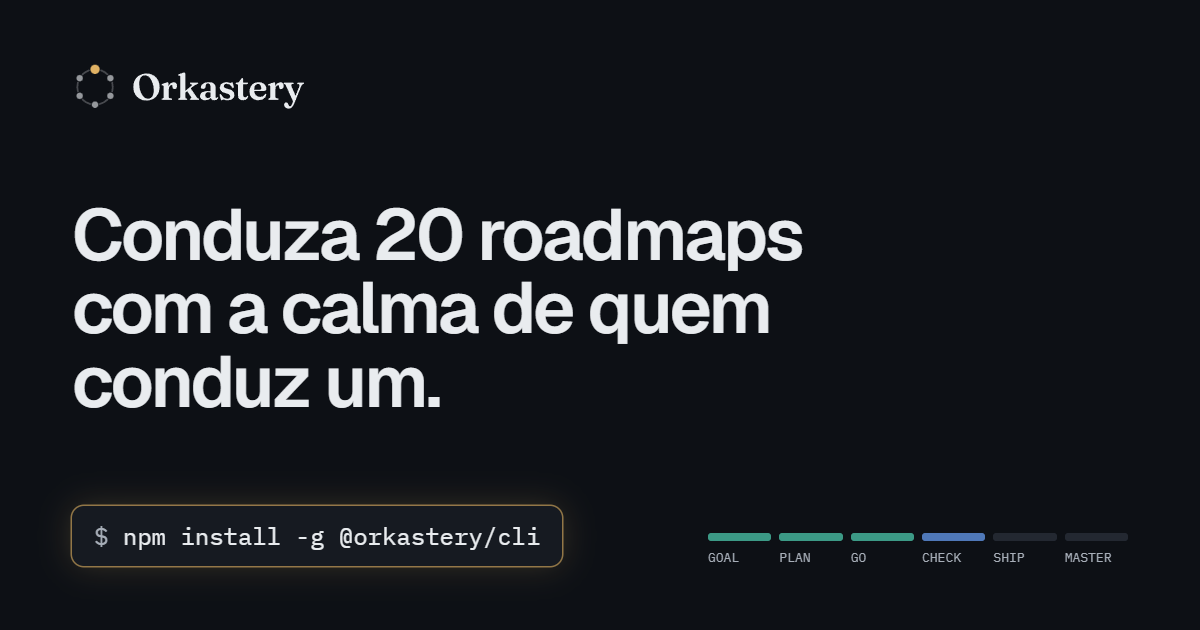
OG image1200 × 630 · night
PNG · OG image 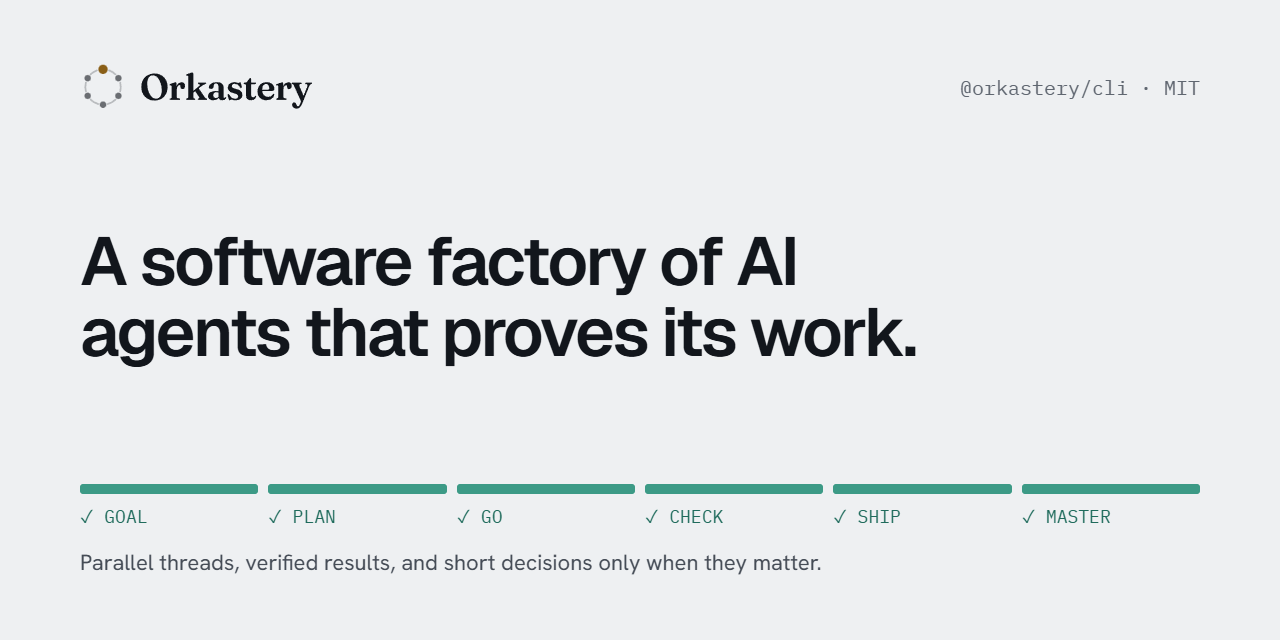
GitHub banner1280 × 640 · day
PNG · GitHub banner 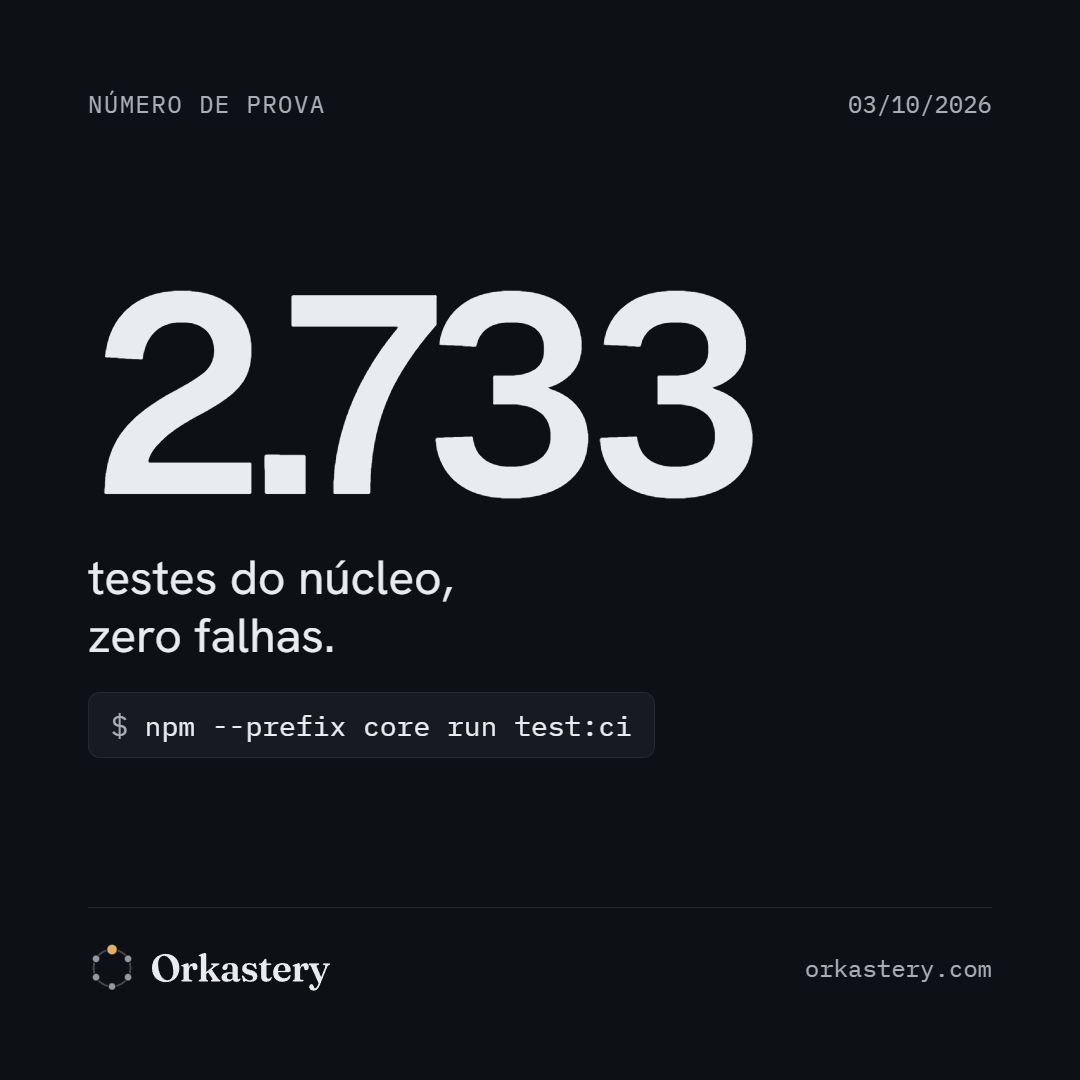
Social post1080 × 1080 · night
PNG · Social post 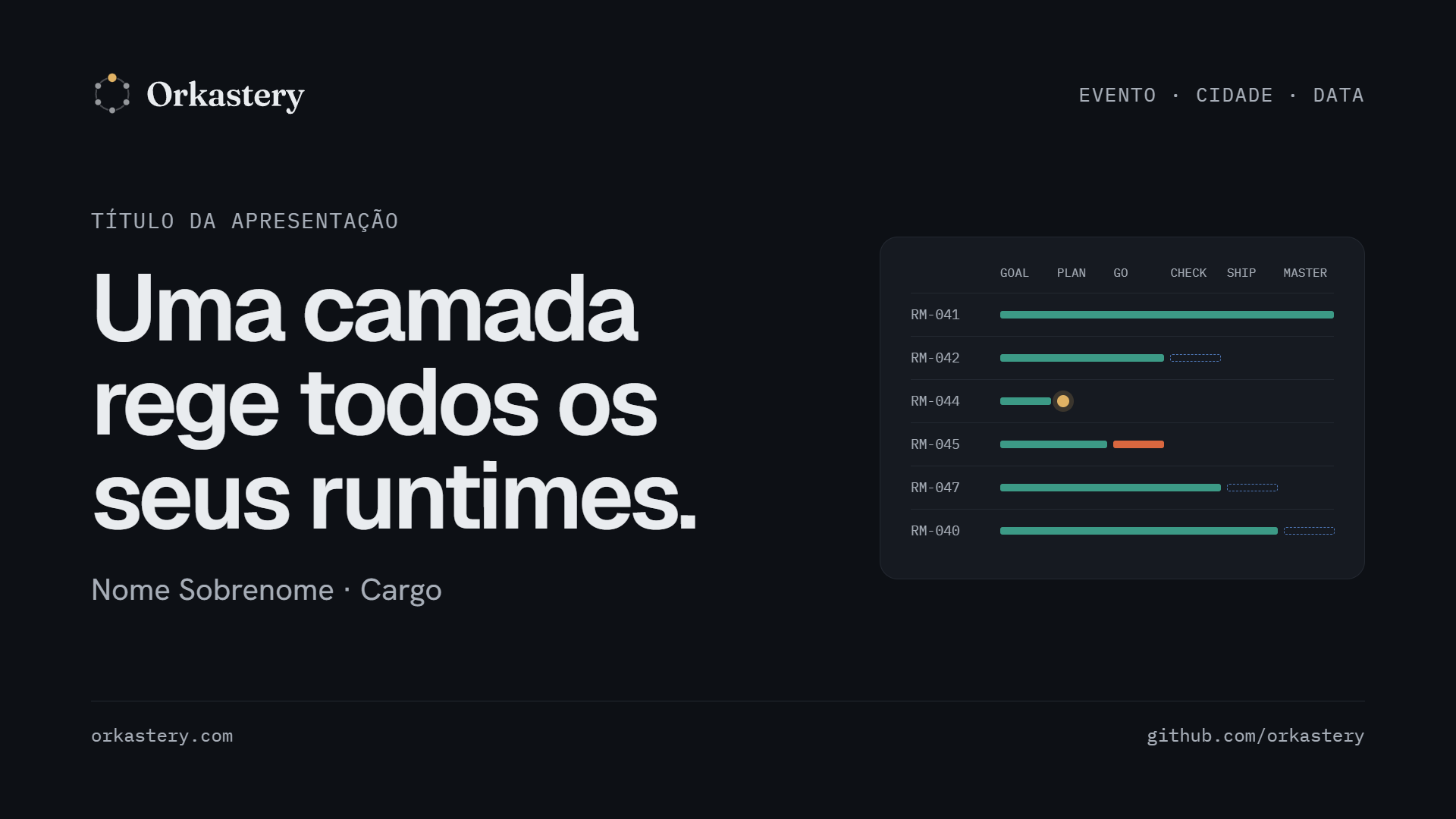
Deck cover1920 × 1080 · night
PNG · Deck cover Quick guidelines
The essentials on one A4 page, to print or attach to a brief.
- 01Use the files in
marca/svg. Never redraw, recolor or distort the logo. - 02Brass only for “waiting for you” and HITL points. Exception: the light border on the install command.
- 03Every state has a label. Color never carries the information alone.
- 04Geist 600 for headings, Hanken Grotesk for text, IBM Plex Mono for proof.
- 05Every number comes with the command that proves it.
- 06No photos: real terminal output, product crops and Partitura diagrams.